
This article covers how to enable and use the SMS lead notifications feature in your AVA™ Portal.
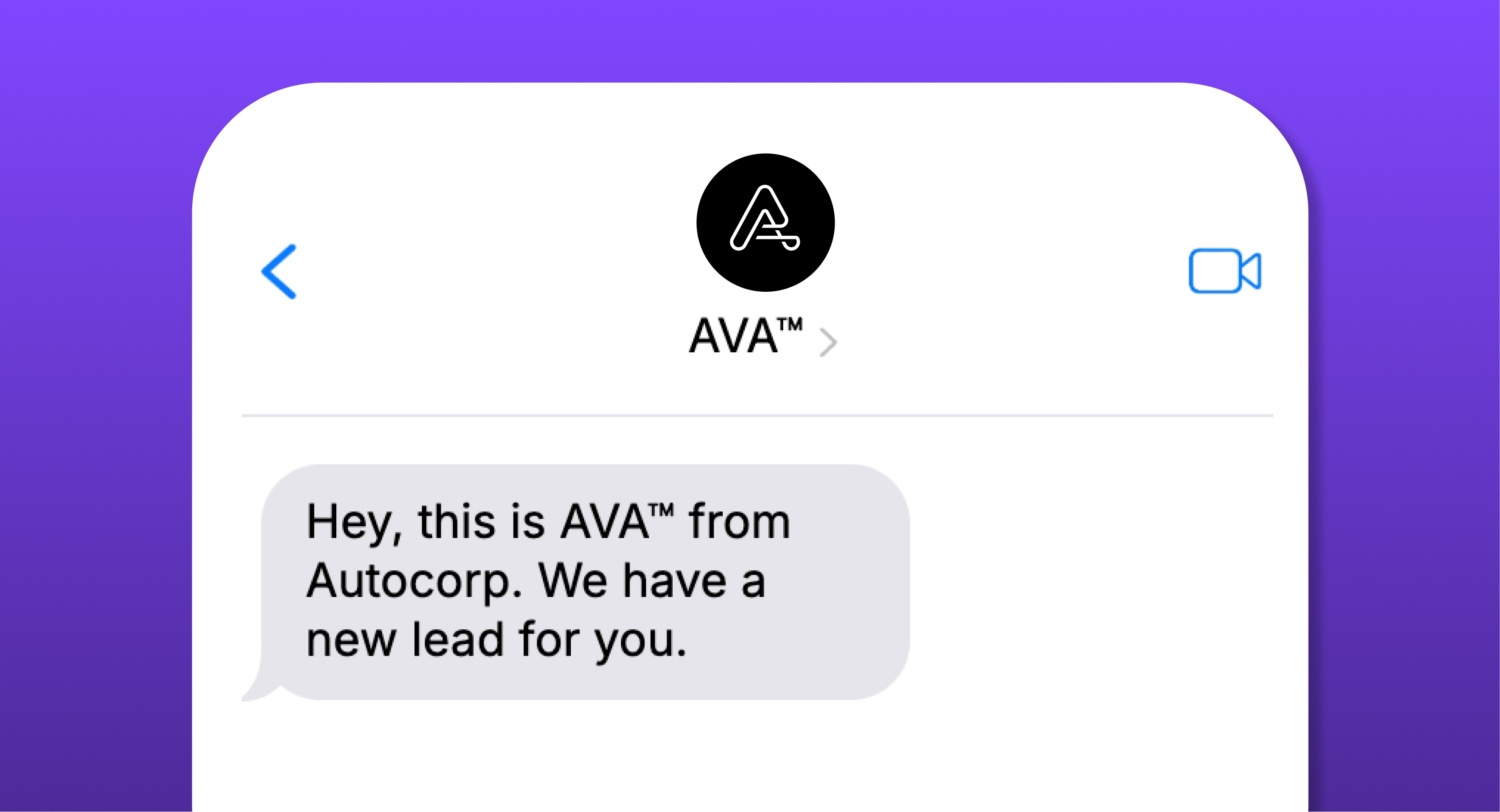
SMS Lead Notifications send real-time alerts for new leads directly to your mobile device, so you can follow up faster and reduce response times.
Why Enable SMS Notifications?
Never miss a lead – Get instant SMS alerts as soon as a new lead arrives.
Faster response time – Contact prospects while they’re most interested.
Reduce inbox clutter – Avoid missing important leads in a crowded email inbox.
Customizable settings – Choose which leads trigger SMS notifications.
How to set up SMS notifications in the AVA Portal
Admin Configuration Steps:
- Log in to your AVA™ Portal.
- Navigate to Settings > Notifications.
- Select a user and click ”+ Add SMS”.
- Enter the user’s mobile phone number and name.
- Click Save or Confirm to store the entered details before proceeding.
- (Optional) Configure Advanced Delivery Rules:
- Restrict notifications to specific products (Credit, ID, Trade, etc.)
- Filter by credit score range or lead characteristics
- Click Update to save — SMS notifications are now active for that user.
Note: SMS notifications are sent for new leads only, not for assigned leads.
What happens when you receive an SMS notification?
When a new lead is created in the AVA™ Portal, the following occurs automatically:
-
An SMS is instantly sent to your mobile device.
-
The SMS includes lead details and a direct link to the lead in the portal.
-
You can immediately take action on the lead—no delays!
Common Questions & Troubleshooting
Not receiving SMS alerts?
🔹 Ensure your phone number is correctly added in the AVA Portal.
🔹 Check if SMS is enabled in notification settings.
🔹 If only some leads are triggering SMS, review your Advanced Delivery Rules.
🔹 Confirm there are no mobile carrier issues
Can I receive both email and SMS notifications?
Yes! You can choose to receive only SMS, only email, or both.
Does this cost extra?
SMS notifications are included with your AVA package at no additional cost. Check with your account representative or review your current plan to confirm this applies to your package.
Who should use this feature?
📌 Sales teams who want faster response times.
📌 Finance managers who need instant lead alerts.
📌 Dealerships looking to increase lead conversion rates.