
SMS Lead Notifications in the AVA™ Portal deliver real-time text alerts to your mobile device the moment a new lead arrives, helping your team respond faster and close more deals.
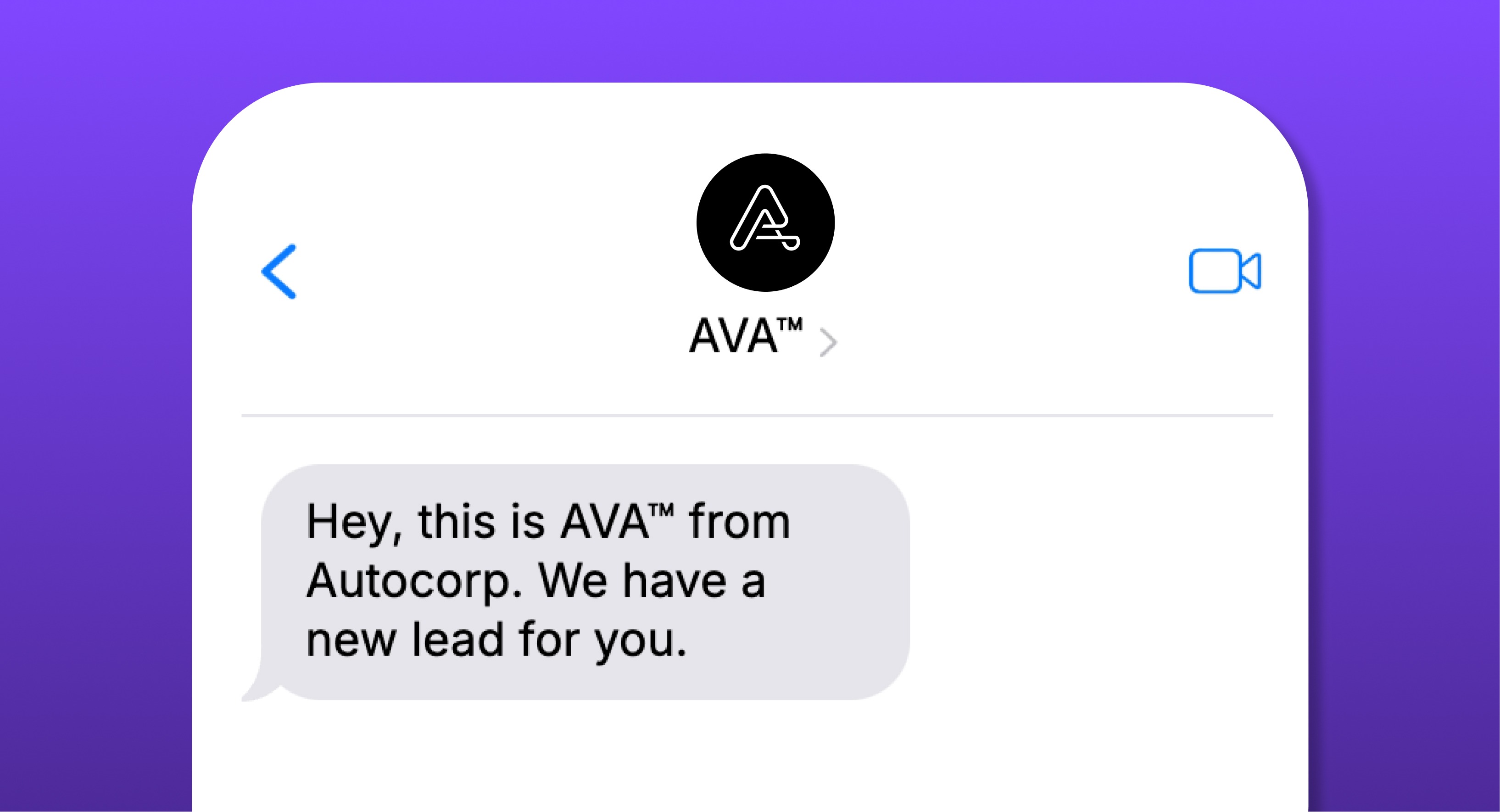
SMS Lead Notifications send real-time alerts for new leads directly to your mobile device, so you can follow up faster and reduce response times.
Why Enable SMS Notifications?
Never miss a lead – Get instant SMS alerts as soon as a new lead arrives.
Faster response time – Contact prospects while they’re most interested.
Reduce inbox clutter – Avoid missing important leads in a crowded email inbox.
Customizable settings – Choose which leads trigger SMS notifications.
How to Set Up SMS Notifications in the AVA™ Portal
Who can do this: Admin users only. If you do not have admin access, contact your dealership's AVA™ Portal administrator.
Admin Configuration Steps:- Log in to your AVA™ Portal.
- Navigate to Settings > Notifications.
- Select a user and click ”+ Add SMS”.
- Enter the user’s mobile phone number and name.
- Click Save or Confirm to store the entered details before proceeding.
- (Optional) Configure Advanced Delivery Rules:
- Restrict notifications to specific products (Credit, ID, Trade, etc.)
- Filter by credit score range or lead characteristics
- Click Update to save — SMS notifications are now active for that user.
Note: SMS notifications are sent for new leads only, not for assigned leads.
What happens when you receive an SMS notification?
When a new lead is created in the AVA™ Portal, the following occurs automatically:
-
An SMS is instantly sent to your mobile device.
-
The SMS includes lead details and a direct link to the lead in the portal.
-
You can immediately take action on the lead—no delays!
Common Questions & Troubleshooting
Not receiving SMS alerts?
🔹 Ensure your phone number is correctly added in the AVA Portal.
🔹 Check if SMS is enabled in notification settings.
🔹 If only some leads are triggering SMS, review your Advanced Delivery Rules.
🔹 Confirm there are no mobile carrier issues that may be blocking SMS delivery. If problems persist, contact your carrier or reach out to AVA™ Support
Can I receive both email and SMS notifications?
Yes! You can choose to receive only SMS, only email, or both.
Does this cost extra?
SMS notifications are included with your AVA™ package at no additional cost. If you are unsure whether this feature is included in your plan, contact your AVA™ account representative for confirmation.
Who should use this feature?
📌 Sales teams who want faster response times.
📌 Finance managers who need instant lead alerts.
📌 Dealerships looking to increase lead conversion rates.